
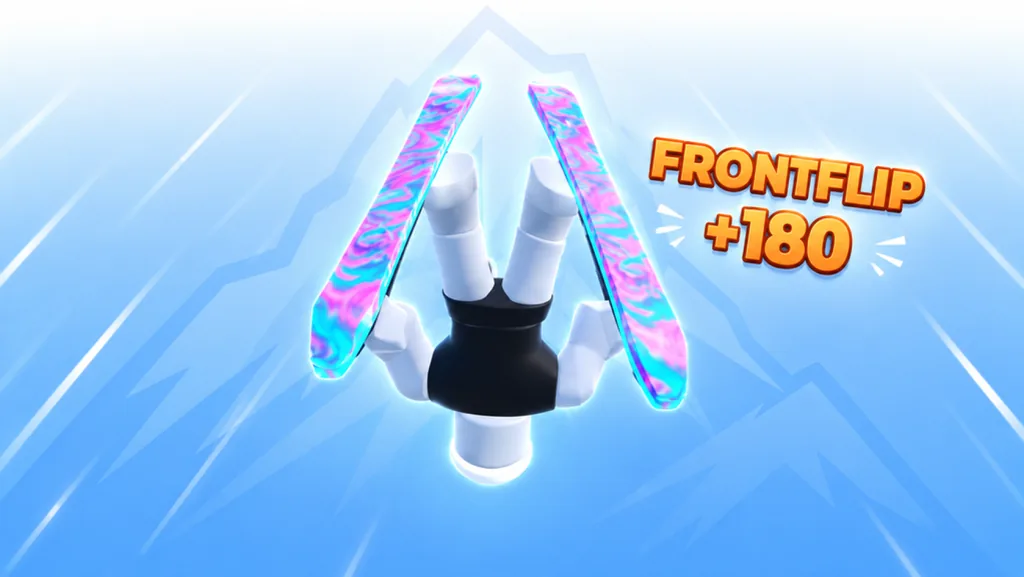
Learn one action before extending the chain
To practice trick combos in SKI, learn what one input does on your device, repeat it over a jump you can land, and add one further action only after that attempt is under control. Watch the game’s feedback after each test. A longer series of button presses is not useful if you cannot tell which action happened or finish the landing.
Start with a practice sequence you can repeat, rather than expecting a guaranteed maximum-score combination. Choose the inputs, observe the result, and note the sequence you can reproduce. Read the score feedback without assuming a formula behind it.
Use the input family for your device
The official game description provides these trick controls. Begin with the listed inputs instead of guessing a named rotation from a video thumbnail.
| Device | Listed trick inputs | First practice task |
|---|---|---|
| Keyboard | Double-tap W, A, S, or D; Q or E | Choose one input and observe its action |
| Mobile | Swipe on the screen’s right side; hold or double-tap jump | Test one gesture apart from movement |
| Controller | D-pad; X | Test one button or direction before a sequence |
The keyboard directional keys also appear in the movement controls. Distinguish your deliberate double-tap from ordinary steering during practice. On mobile, distinguish the right-side trick gesture from the left-side movement task and the pinch camera input.
These controls do not establish a complete key-to-trick-name mapping. Check the action and any label the current session displays. Record the actual input you used so you can repeat the test even if you have not learned the action’s name.
Build a plain-jump baseline
Choose a jump with visible landing space and a readable exit. Make a plain attempt using Space on keyboard, A on controller, or the mobile jump button. Continue through the landing before deciding that the jump is ready for trick practice.
If the plain jump still fails, use jump timing and landing practice first. Adding several trick inputs would give you more variables while the route itself remains unsolved.
Keep the camera, course section, and device the same for the next test. You want to compare the extra action with a jump you already recognize.
Add actions in a sequence you can describe
Start with one listed trick input. Observe the action, the feedback, and the landing. Repeat it before extending the sequence. This gives you a known first step rather than an accidental result you cannot reproduce.
Then add one further input and compare again. Write the sequence in plain terms such as “plain takeoff, first tested input, second tested input.” Fill in the buttons or gestures you actually used. That is your practice note, not the name of an official combo.
| Stage | Keep stable | Change |
|---|---|---|
| Plain baseline | Approach and landing target | No trick input yet |
| First action | Same jump and camera | One listed trick input |
| Extended sequence | Known first action | One additional tested input |
| Full-run test | Sequence you can repeat | Place it within a normal descent |
Take your time with the last stage. Repeat the sequence on its own before adding it to a descent where the next obstacle also needs attention.
Read feedback without guessing the scoring rules
After a test, note which labels and values appeared, then check how the landing and exit went. Keep those observations together. A larger displayed value and a failed landing tell you different things about the attempt.
Do not turn one observed value into a universal payout, and do not assume a displayed multiplier explains every action. If you are practicing toward an objective, read that objective’s current text and check whether progress changes after your attempt.
Use the score display guide when you want to distinguish action feedback, multiplier text, speed, and objective progress. This combo drill focuses on learning a sequence you can execute deliberately.
Reset when you lose track of the sequence
If you cannot identify which input caused an action, return to the single-input test. Remove the newest addition when the landing stops being repeatable. Change the sequence only after you have confirmed the earlier steps still work.
On mobile, check that you are using the intended gesture area. On keyboard, check whether repeated movement taps are turning into a trick input. On controller, separate the jump button from the D-pad or X action you are testing.
Keep speed practice as a separate session when necessary. SKI’s official description emphasizes both fast lines and tricks, but trying to improve both at once makes it harder to understand a failed attempt.
FAQ
How do I start practicing trick combos in SKI?
Repeat a plain jump, test one listed trick input, and add one further action after you can land the first test. Keep a note of the actual buttons or gestures used.
What are the keyboard trick controls?
The official list gives double-tap W, A, S, or D, plus Q or E. Observe each action in the current session before assigning it a trick name.
How do mobile players trigger tricks?
The listed inputs are swipes on the screen’s right side and holding or double-tapping jump. Test one gesture at a time while keeping movement and camera gestures separate.
Is this a guaranteed highest-score combo list?
Use the guide to build and compare repeatable sequences. Read the actual feedback in your session rather than assuming a fixed maximum chain or payout.
What should I do if a longer chain ruins the landing?
Remove the newest action and confirm the earlier sequence still lands. Add it again only after the baseline is repeatable.